 MoviView
A lightweight BrowserStack alternative
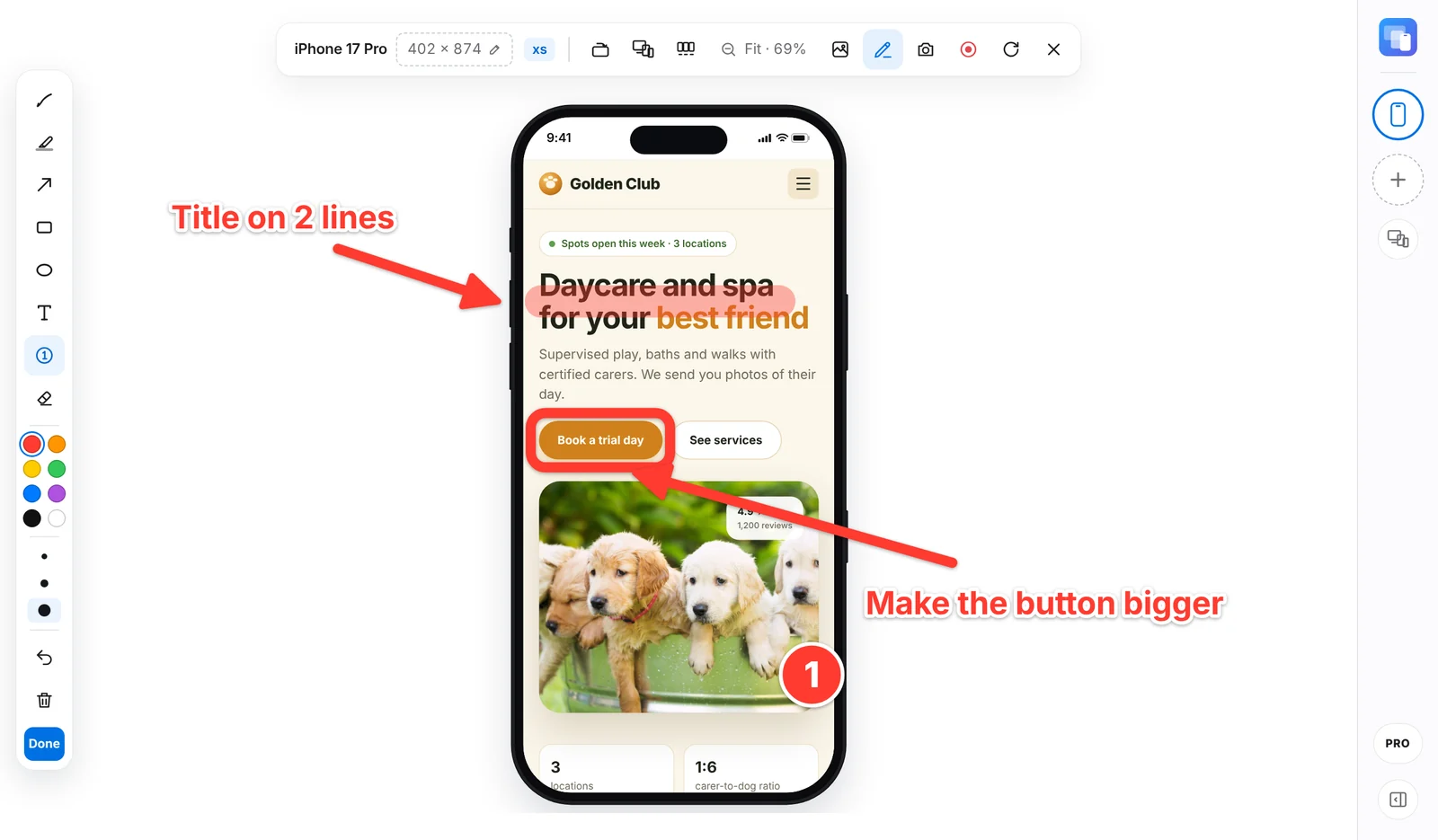
BrowserStack runs your site on real devices in the cloud. MoviView shows it on 143 device sizes in your own Chrome, instantly. For everyday responsive checks and client presentations, that is often all you need.
Free forever · PRO from US$5 a month
Side by side
Two different tools for two different jobs.
| Aspect | MoviView | BrowserStack |
|---|---|---|
| Where it runs | In your own Chrome, in the same tab | On real devices and browsers in the cloud |
| Browser engine | Chrome's, with each device's screen size and mobile identity | The real browser on each device, such as Safari on iPhone |
| Getting started | Instant: click the icon | A remote session per device and browser |
| localhost and staging | Directly, no tunnel | Through BrowserStack Local |
| Price | Free; PRO from US$5 a month | Paid plans |
When to use each
Use MoviView for
- Daily checks while you design and build
- Phone, tablet and desktop at the same time
- Screenshots, mockups and videos for clients
- Sites on localhost and staging
Use BrowserStack for
- Bugs that only happen in Safari or on real hardware
- Specific OS versions and other browsers
- Automated and cross-browser testing at scale
Many teams use both: MoviView while they build, and real devices for the final QA.
How to use it
Three steps, less than a minute.
Install MoviView
Add it to Chrome from the Chrome Web Store. It's free and needs no account.
Open your site
Go to the page you want to check, online, on staging or on localhost, and click the MoviView icon or press Alt+Shift+V.
Compare in one click
Click Phone + Tablet + Desktop, scroll your page and take one screenshot with everything.
Frequently asked questions
Does MoviView replace BrowserStack?
Not completely. MoviView emulates screen sizes and mobile identity inside Chrome; it doesn't run Safari or real devices. To reproduce a bug on a real iPhone or test other browsers, use BrowserStack or a physical device.
Is MoviView free?
Yes. The free plan includes 9 popular models and up to 3 devices at once. PRO costs US$5 a month, US$39 a year or US$79 once.
Does it work on localhost?
Yes, without any tunnel, because it runs in your own browser.